
What Checkmate is
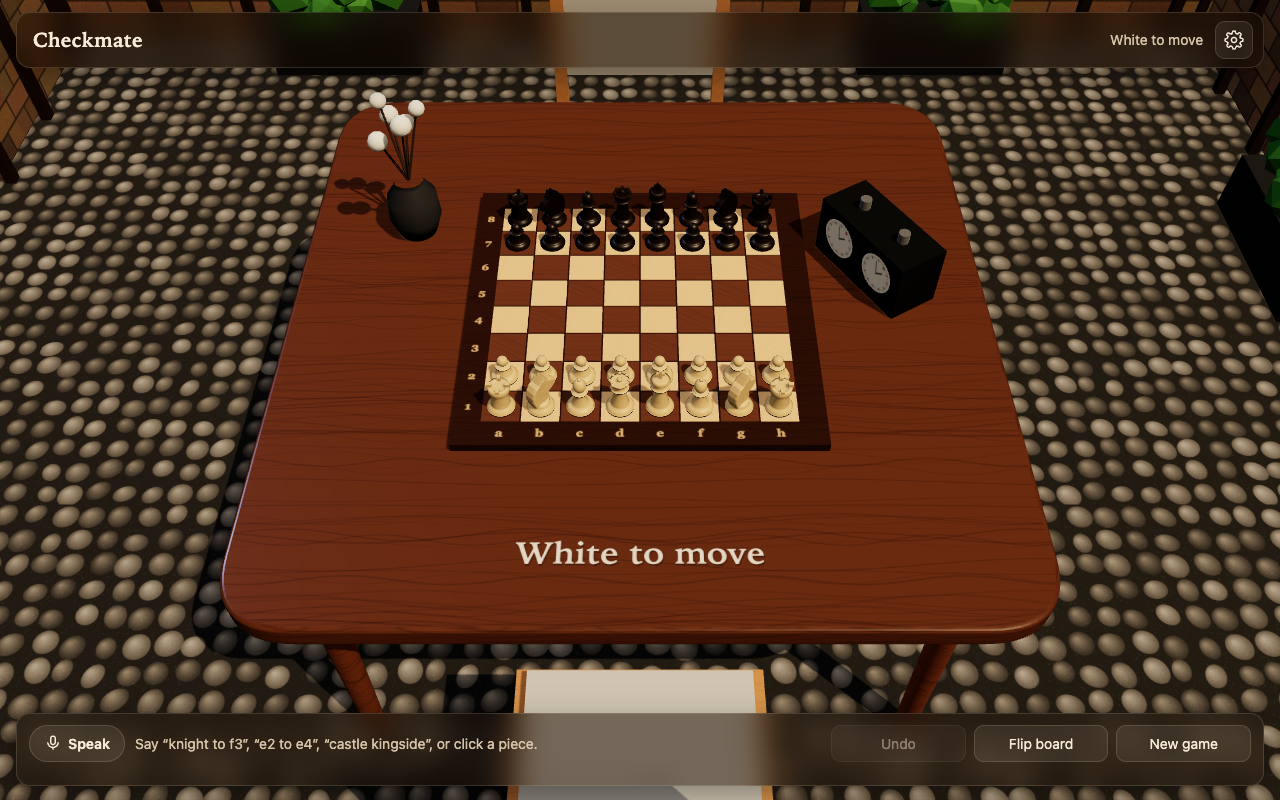
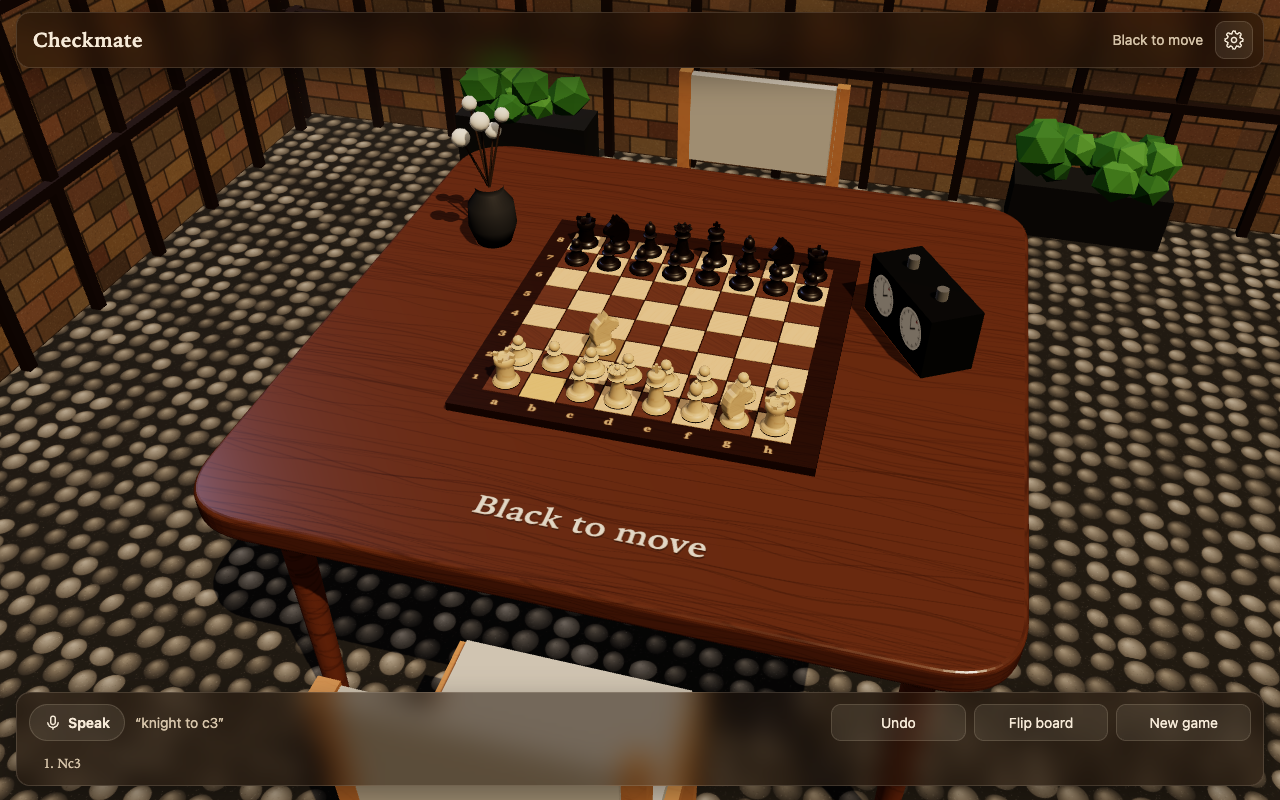
Checkmate · Voice Chess brings the tactile, quiet atmosphere of sitting across a real chessboard into your browser. Instead of clicking flat squares on an ad-heavy web portal, you play at a beautifully rendered 3D table surrounded by gentle ambient acoustics. Most importantly, you can play entirely hands-free using natural voice commands.
Natural Voice Control
Click Speak (or tap the microphone shortcut) and speak your move naturally. Checkmate recognizes standard algebraic notation, long algebraic forms, and colloquial English phrasing:
- Standard notation — say "e4", "knight to f3", "bishop c4", or "queen takes d5".
- Coordinate moves — say "e2 to e4", "g1 to f3", or "castle kingside".
- Special moves & promotions — say "a8 promote to queen" or "promote to knight".
- NATO alphabet & phonetic tolerance — understands NATO letters ("Alpha 4", "Bravo 3") and common speech recognizer quirks (such as hearing "night f three").
- Ambiguity resolution — if two rooks or knights can reach the target square, Checkmate verbally asks for clarification before executing.
- Game commands — voice commands like "undo", "flip board", "hint", and "new game" keep you hands-free.
Three Ways to Play
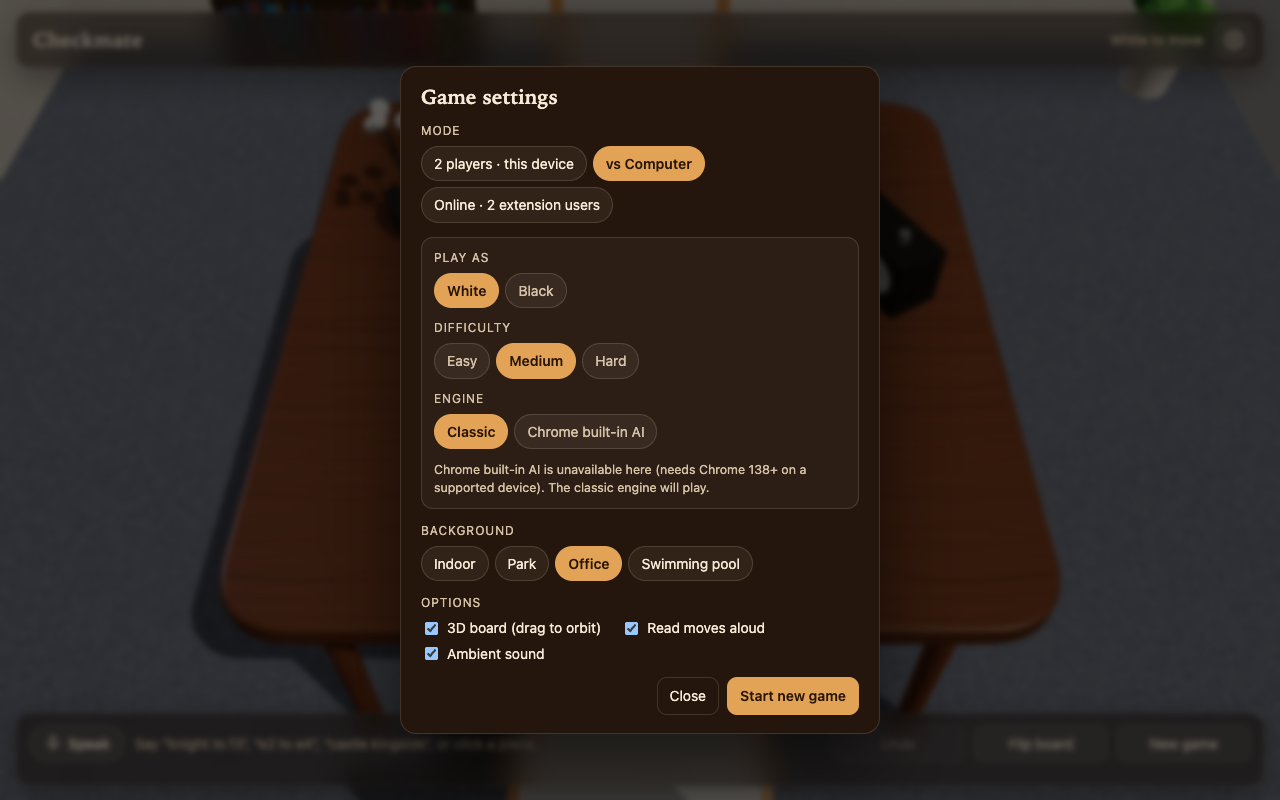
- Two players on one device — take turns using voice commands or mouse clicks. Perfect for sharing a screen during coffee breaks.
- Against the computer with on-device AI — choose between Easy, Medium, and Hard engine levels. On devices supporting Chrome's built-in Gemini Nano, the browser's local AI model can select opponent moves and explain the tactical reasoning behind its moves in plain English.
- Serverless peer-to-peer online — play with a colleague or friend anywhere in the world using WebRTC peer-to-peer connectivity. No centralized game server, no lobby, and no account registration. Just copy and exchange two short connection codes over Slack, Discord, or WhatsApp to link your browsers.
Lacquered 3D Environment & Soundscapes
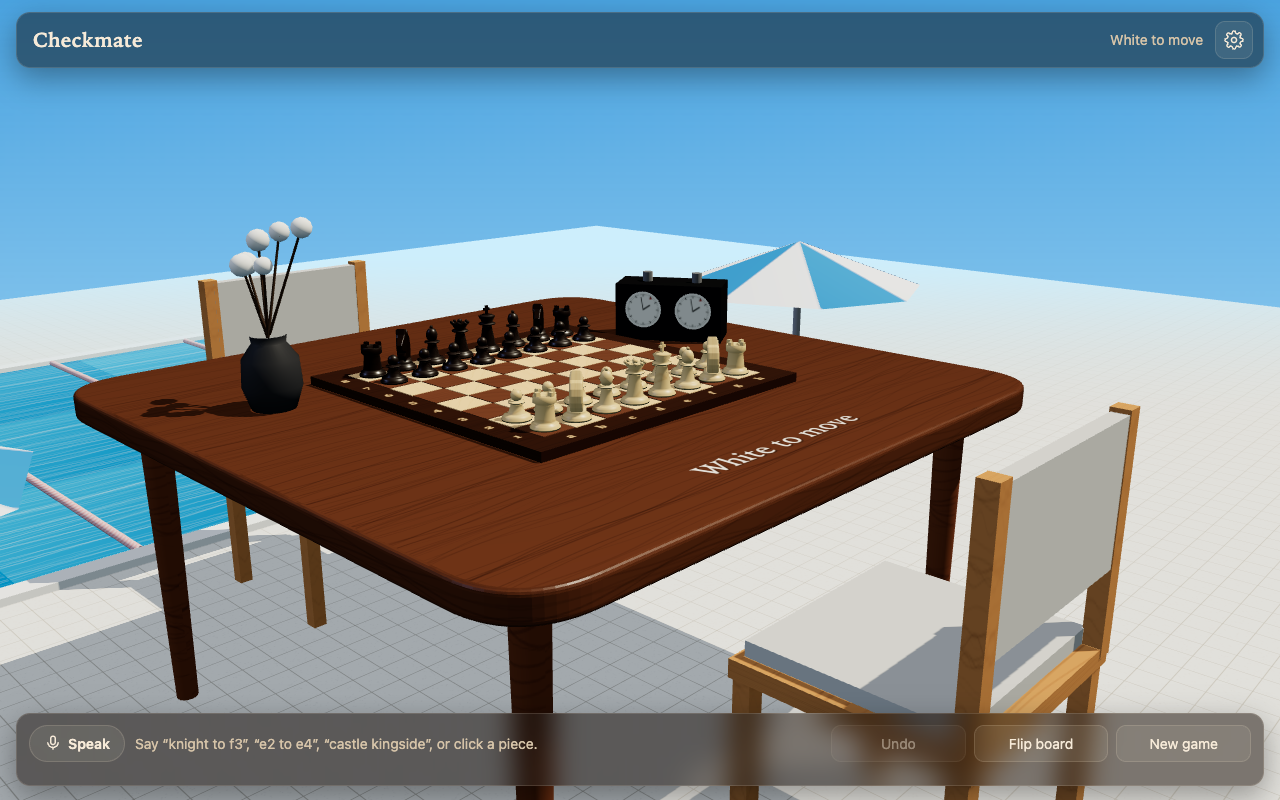
Checkmate features an interactive 3D board with hand-shaped Staunton chess pieces, realistic woodgrain textures, and soft dynamic shadows. Click and drag to orbit around the board, scroll to zoom in on critical pawn chains, or double-click to snap back to the standard playing angle. Captured pieces line up neatly on the table edge, while smooth move animations and spoken move confirmations reinforce the board state. Choose from four ambient soundscapes — a quiet sunlit courtyard, a park breeze, a focused library/office, or poolside birdsong. A classic high-contrast 2D top-down view is also available with one click in settings.
Private by Design
Checkmate requires zero Chrome extension permissions. It contains no tracking pixels, no advertising networks, and no external analytics. Your game histories, settings, and P2P sessions operate entirely within your browser.
Who it's for
Chess enthusiasts, accessibility seekers looking for voice-operated board games, and anyone who wants a thoughtful mental break during their workday without creating accounts or dealing with banner ads. It pairs with other focus and recreation extensions from Sharaj dev like Open Roads, Unwind, and Matrix Rain Keyboard.
FAQ
Do I need a microphone to play? No. Voice control is optional. You can move pieces using standard mouse clicks and drag-and-drop just like any digital chessboard.
Does Checkmate send my voice audio to an external server? Voice recognition utilizes the browser's built-in SpeechRecognition API. Audio is never stored or transmitted to custom third-party game backends.
How does online multiplayer work without accounts or servers? Checkmate establishes a direct WebRTC peer-to-peer data channel between both browsers. The connection is established by exchanging a lightweight SDP handshake code through any messaging app you already use.
Can I switch to a flat 2D board? Yes. If you prefer a minimal overhead view, toggle the 2D board option in settings at any time.
Is Checkmate free? Yes. It is completely free on the Chrome Web Store.