
What Hotshot does
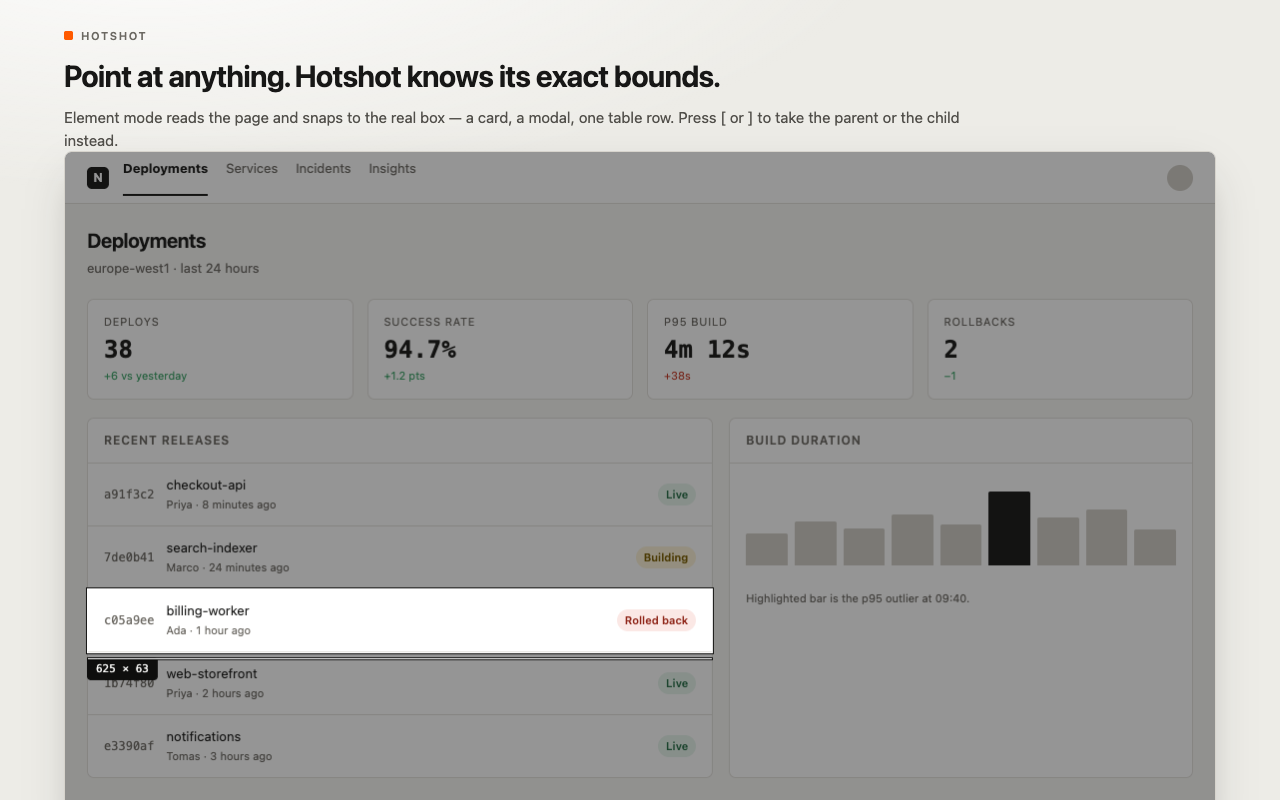
Standard screenshot utilities treat your browser window as a flat canvas of dumb pixels, forcing you to manually drag approximate rectangles and clean up messy borders. Hotshot understands the underlying HTML DOM. Hover over any UI element — a pricing card, modal dialog, dashboard chart, or specific table row — and Hotshot calculates its exact layout bounds, snapping directly to its real box model.
Need to capture the outer container instead of the inner text? Press [ to climb to the parent element, or ] to descend into child nodes. Hotshot combines surgical element selection with built-in annotation tools, permanent destructive pixel redaction, floating overlay pins, and direct issue filing into Jira, Notion, and ClickUp.
Key Features
1. Smart DOM Element Snapping
Eliminate jagged edges and misaligned crops. Hotshot reads computed CSS geometries in real time to snap cleanly around individual components. It automatically adjusts for scroll offsets, CSS transforms, and device pixel ratios, guaranteeing crisp 1:1 pixel fidelity.
2. True Destructive Pixel Redaction
Most screenshot editors apply a cosmetic Gaussian blur or pixelate filter that can be mathematically reversed to recover passwords, API keys, or personal customer data. Hotshot completely replaces redacted pixel values with uniform solid fills directly in the bitmap canvas before exporting the image, making data recovery technically impossible.
3. In-Place Annotation & Auto-Renumbering Badges
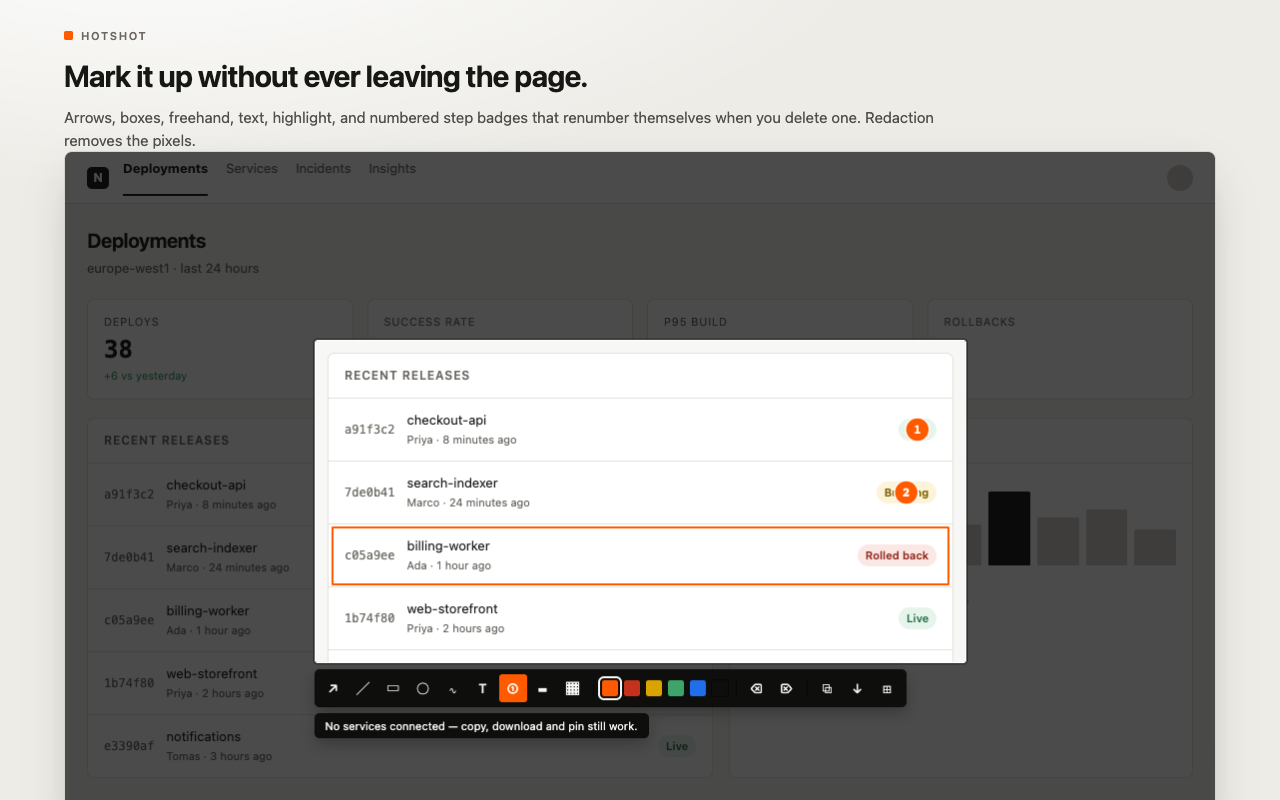
Annotate screenshots without leaving the page or opening a secondary graphics app. Draw arrows, callout rectangles, ellipses, freehand sketches, highlights, and text labels. Hotshot includes self-renumbering step badges: if you delete step #2, steps #3 and #4 automatically decrement to maintain clean, sequential documentation.
4. Floating Reference Pins with Transparency
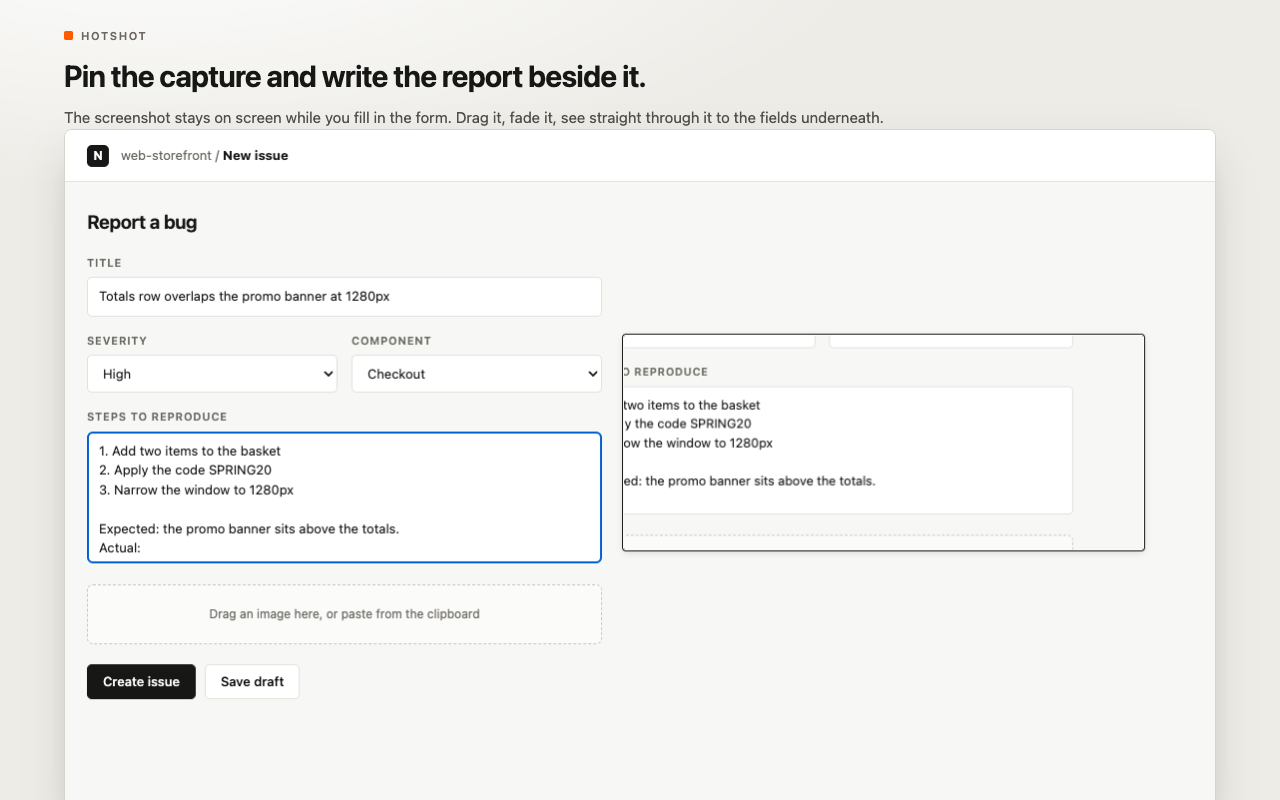
Keep your capture on screen while filling out a defect report, comparing a staging deployment against Figma mockups, or transcribing test values. Hotshot pins captures as draggable, resizable floating overlays with an opacity slider so you can see through to the form fields underneath.
5. Direct Integrations (Jira, Notion, ClickUp)
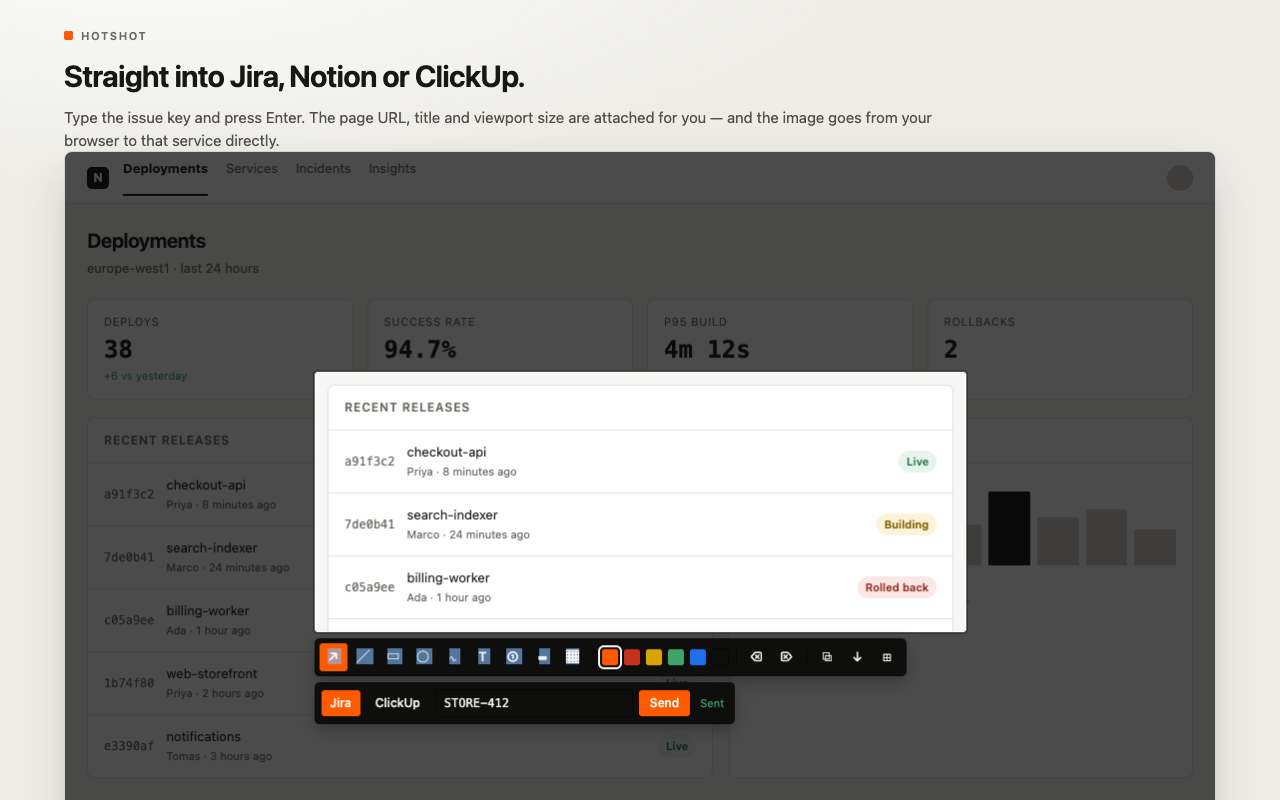
Type an issue key or page title and press Enter. Hotshot uploads the annotated image directly from your browser to your team's project tracker via official REST APIs. It automatically attaches diagnostic page context — current URL, document title, viewport dimensions, device pixel ratio, and browser user agent.
6. Region, Full-Page & Timed Countdown Captures
Capture full scrolling documents from header to footer, select custom rectangular crops with millimeter-accurate handles, or trigger a 3s, 5s, or 10s countdown timer to capture volatile hover menus, tooltips, and flyout navigation states.
Privacy by design: Zero Backend, Zero Telemetry
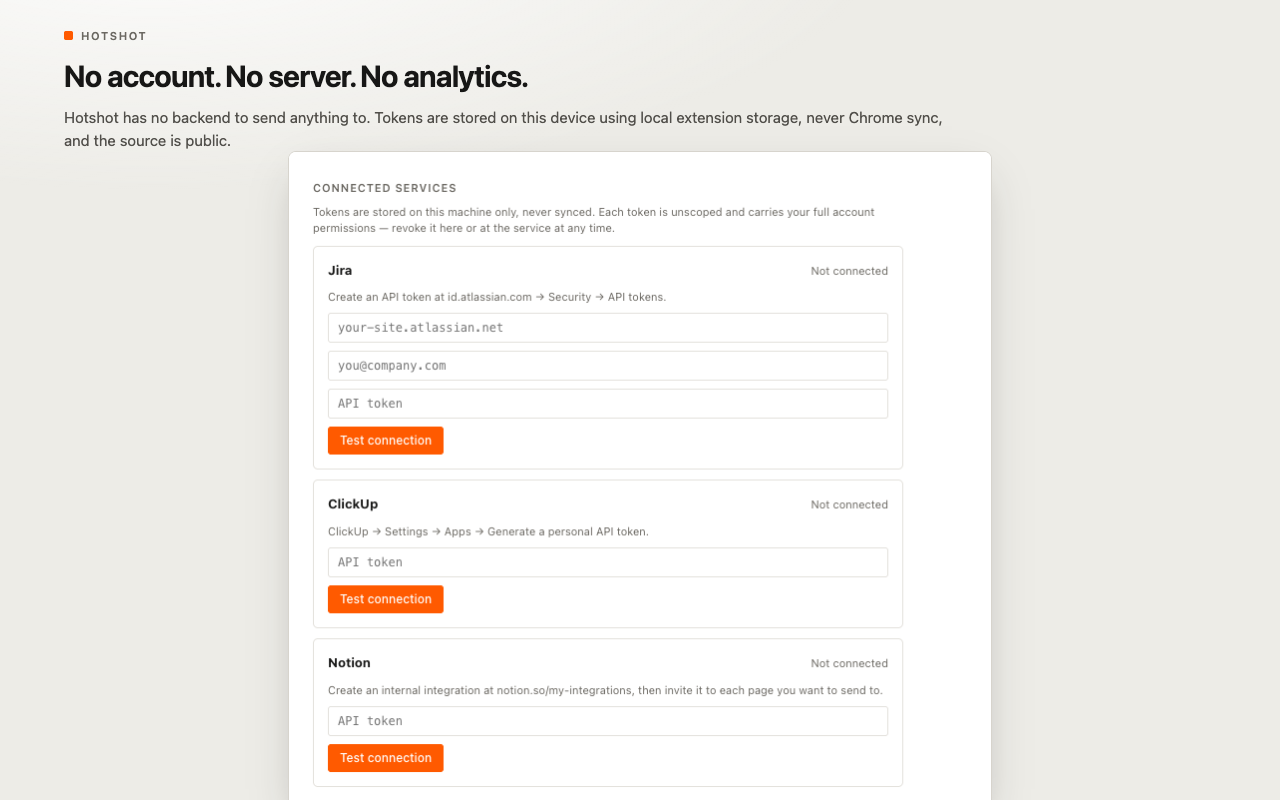
Hotshot operates entirely within your browser client. There are no tracking scripts, analytics beacons, user registration databases, or third-party proxy servers. Chrome's temporary activeTab permission is only invoked when you trigger a capture. API keys for Jira, Notion, and ClickUp are stored exclusively in local extension storage (never Chrome Sync) and communicate directly with those services.
How to use Hotshot
- Activate Hotshot — click the extension icon in your Chrome toolbar or use the keyboard shortcut Alt+Shift+S.
- Choose capture mode — hover to snap to DOM elements, drag a custom region, or select full-page capture.
- Navigate hierarchy — tap [ or ] to expand or narrow the active container selection.
- Mark up or redact — add callout arrows, step badges, or drag redaction boxes over sensitive credentials.
- Save or export — copy directly to clipboard, download as high-res PNG, or submit straight to Jira or Notion.
Who it's for
QA engineers filing reproducible bug tickets, product managers assembling release notes, designers auditing visual regressions, and software developers sharing implementation progress. Pair Hotshot with bug tracing in Tracely, automated repro recording in Gotcha, CSS inspection in StyleSpy, and repository digests in GitScribe.
FAQ
Is Hotshot free? Yes — Hotshot is 100% free on the Chrome Web Store.
Are my screenshots uploaded to any server? No. Captures, edits, and exports are processed entirely in your local browser memory. Unless you explicitly export to your own connected Jira or Notion workspace, data never leaves your computer.
How does Hotshot redaction work? Hotshot performs destructive canvas redaction: it replaces pixel data in the underlying image buffer, ensuring redacted text cannot be retrieved by undoing blur filters.
Can Hotshot capture dropdown menus and hover states? Yes. Use the delayed timer mode (3s, 5s, or 10s) to open your dropdown or hover menu before Hotshot captures the screen.
Does Hotshot work on Chromium browsers like Brave, Edge, and Arc? Yes. Hotshot runs on any modern Chromium-based browser supporting Manifest V3.